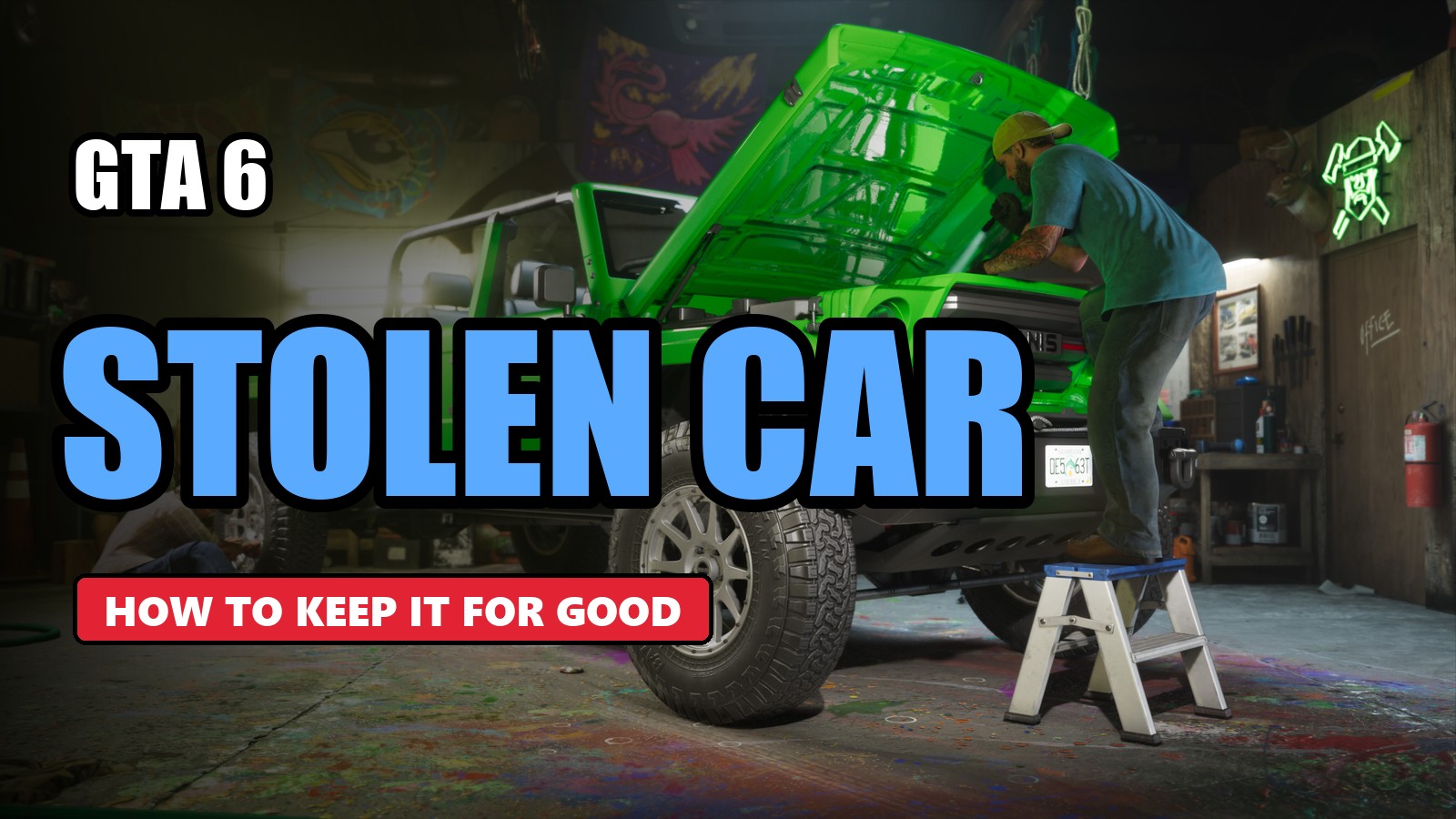
🚗 In GTA 6, stealing a car is not enough to keep it. You have to register it in your name, then own a place to store it. And none of that unlocks right away.
Here is, in order, how to keep a stolen car: what you can do at each stage of the story, what garages are for and the catch with trackers.
🚫 In Chapter 1: not possible yet
Jason starts out with a few vehicles of his own. Throughout Chapter 1, you can't keep any other vehicle: the feature unlocks as you progress through the story, about halfway through Chapter 2.
🅿️ Start of Chapter 2: the safehouse parking spaces
At the start of Chapter 2, you can park a stolen vehicle in the parking spaces of your safehouse. It is a temporary solution: the vehicle is not yours. Once it is out on the road, you can lose it:
- 💥 if it is damaged beyond repair;
- ☠️ if you die or get arrested;
- 🏃 if it gets left behind during a mission or normal play.
📝 The “Moses” mission: registering a car
During Chapter 2, the main mission “Moses” introduces you to Moses. He teaches you how to register a stolen vehicle, for a fee.
- ✅ a registered vehicle is yours to keep;
- 1️⃣ to start with, each character can only have one registered vehicle: you may have to sell one to keep a new one;
- 🎨 from that point in the story, Pay 'n' Spray shops also let you register a stolen car or sell it.
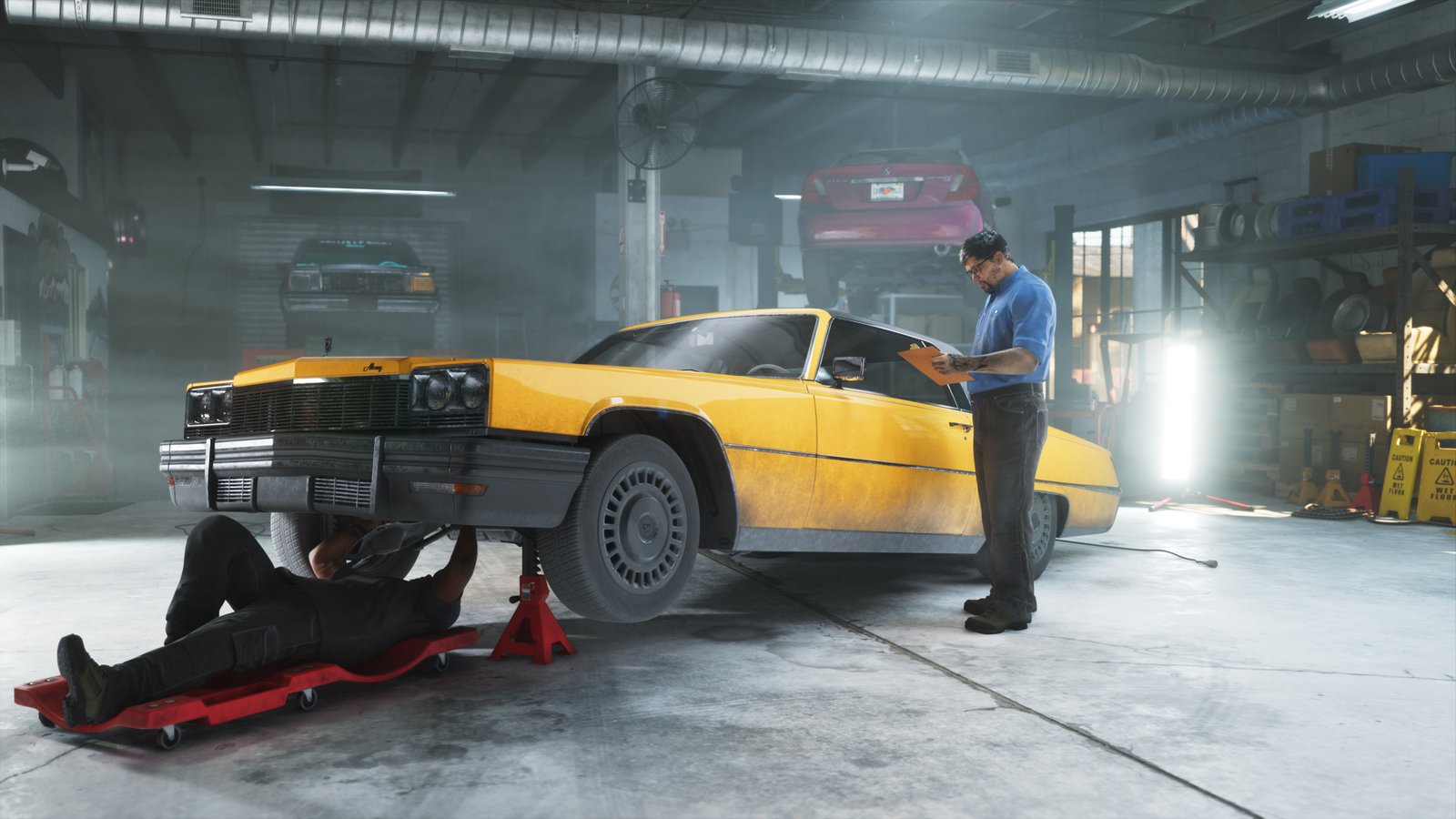
🏠 The “Daily Driver” mission: your first garage
Right after that, Moses sends you to take back a vehicle his clients never paid for: this is the “Daily Driver” mission.
- 🎁 as a reward, Moses gives you a garage in Port Gellhorn: one more slot;
- 📱 the Vice City Real Estate app unlocks on your phone: use it to buy more garages across Leonida;
- 💰 prices start at $5,000, and each garage adds one slot;
- 🔢 the game has 12 garages: 8 to buy in the app and 4 given by the story.
💡 The more slots you own, the more vehicles you can have registered at the same time.
📡 The catch: trackers
Some vehicles have an anti-theft tracker, mostly newer, expensive or custom models.
- 🔍 to find out, scan the vehicle with the WAiNK app, or press the D-pad while driving: the tracker logo shows above the map;
- 🚫 an unregistered vehicle with a tracker cannot be stored in a garage;
- 🔧 a standard tracker stops you from modifying the car until it is registered;
- 🚨 an advanced tracker, common on high-end cars, reports the car's location to the police, unless you are driving at high speed.
👉 Our vehicle pages list the tracker of each model: none, standard or advanced.
🔁 Switching cars
- 🔵 your active registered vehicles show up as blue icons on the map;
- 🏠 to switch, go to the garage and swap the cars yourself;
- 📲 or use the Scooter Bros app: it delivers a registered vehicle stored in your garage, for a fee.
❓ Frequently asked questions
How do you keep a stolen car in GTA 6?
You have to register it. This becomes possible after the “Moses” mission in Chapter 2, for a fee. A registered vehicle is yours to keep.
Can you keep a car in Chapter 1 of GTA 6?
No. During Chapter 1 you only have Jason's starting vehicles. Keeping another vehicle unlocks about halfway through Chapter 2.
How do you get a garage in GTA 6?
Finish the “Daily Driver” mission: Moses gives you a garage in Port Gellhorn. The Vice City Real Estate app then lets you buy more, starting at $5,000.
How do you know if a car has a tracker in GTA 6?
Scan it with the WAiNK app, or press the D-pad while driving: the tracker logo shows above the map.
Sources: IGN's official guide “How to Keep Stolen Cars” and GTABase's vehicle database, accessed on November 21, 2026.